





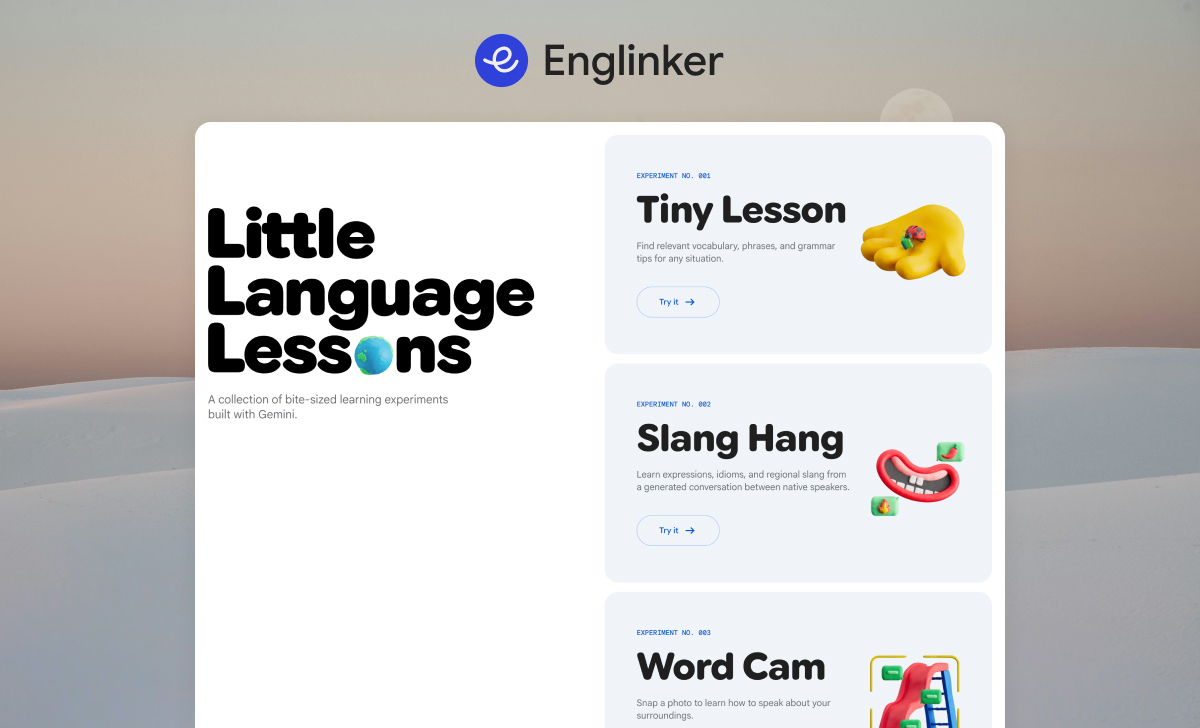

Learn how to improve your English using Little Language Lessons, an AI-powered language learning experiment from Google Labs. In this post, you will discover how to use three powerful tools: Tiny Lesson, Slang Hang and Word Cam.
Through step-by-step guides and practical activities, you will learn how to use these tools effectively and build a simple weekly learning routine that fits into your daily life. By the end of the post, you will have a clear system for practicing English regularly using AI-powered micro-learning tools.
Read part 2: https://englinker.com/little-language-lessons-guide-part-2/
Read part 3: https://englinker.com/little-language-lessons-guide-part-3/
What is Little Language Lessons?
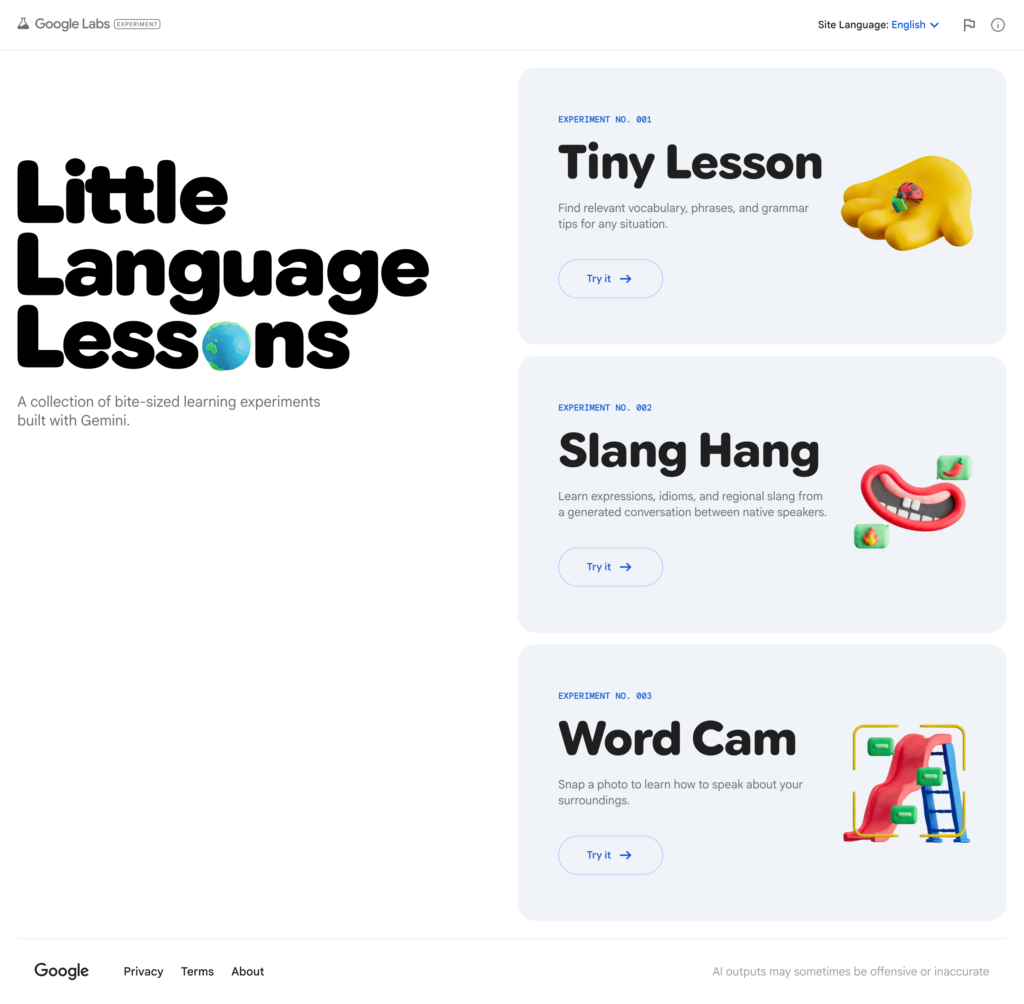
Little Language Lessons is a collection of small language-learning tools powered by Gemini AI. Each tool explores how artificial intelligence can support language learning in real-life situations through quick and interactive activities. The platform currently includes three main tools:
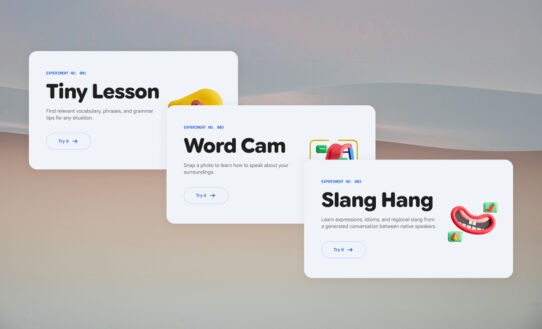
Tiny Lesson: Provides useful vocabulary, phrases, and grammar tips based on specific situations or contexts.
Slang Hang: Generates casual conversations that help learners understand natural slang and everyday English expressions.
Word Cam: Allows you to point your camera at objects around you and instantly learn their English names.
Unlike traditional language courses, Little Language Lessons is not meant to replace structured studying. Instead, it is designed to:
- Keep learning fresh and engaging
- Encourage daily practice
- Help you learn English through real-world contexts
Read more about Little Language Lessons here: https://englinker.com/little-language-lessons/
Exploring the Features of Little Language Lessons
Let’s explore the main features of Little Language Lessons. These tools are designed to help you practice English in short, interactive ways using artificial intelligence. Each feature focuses on a different aspect of language learning and helps you practice English in real-world situations.
Little Language Lessons currently includes three main tools:
1. Tiny Lesson
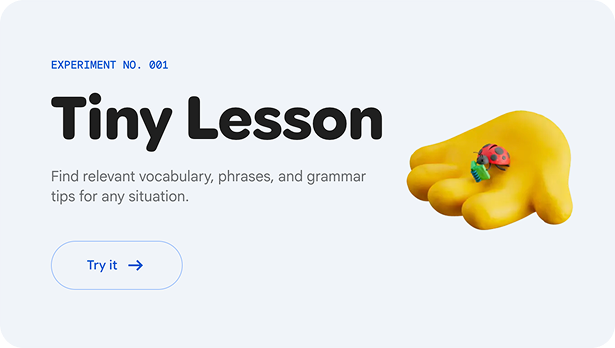
Tiny Lesson helps you learn useful vocabulary, phrases, and grammar for specific situations. You simply enter a context, situation, or topic, and the tool generates a short learning activity based on it.
For example, you could enter a situation such as:
- Ordering food at a restaurant
- Introducing yourself
- Asking for directions
- Preparing for a job interview
Tiny Lesson will then provide:
- Key vocabulary
- Useful phrases
- Grammar tips related to that situation
This makes it easier to learn English that is immediately useful in real-life conversations.
2. Slang Hang
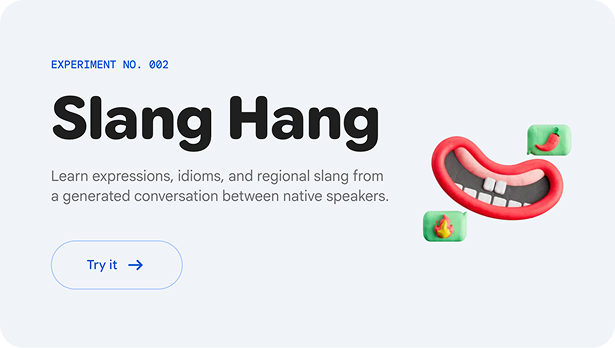
Slang Hang focuses on helping you understand casual and natural English conversations. When using this tool, the AI generates a short conversation between native speakers.
Through these conversations, you can learn:
- Common slang expressions
- Informal phrases
- Idioms used in everyday speech
This feature is especially useful because many English learners study formal English but struggle to understand how people actually speak in daily life. Slang Hang helps bridge that gap by exposing you to more natural language.
3. Word Cam
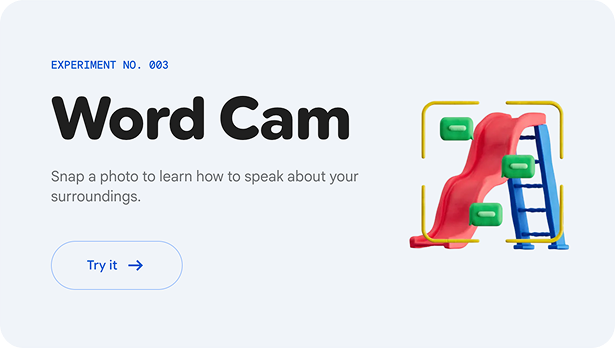
Word Cam is one of the most interactive features in Little Language Lessons. With this tool, you can take a photo of objects around you using your camera.
The AI will then analyze the image and identify the objects, giving you the English vocabulary for what it sees. For example, if you take a picture of your desk, the tool might identify: Laptop, Notebook, Pen, Coffee mug,…
This allows you to learn vocabulary directly from your real-world environment, making learning more engaging and memorable. For the best experience, it is recommended to use Word Cam on your phone.
Summary
In this part, you have learned what Little Language Lessons is and explored its main features. In the next part, we will show you how to use each tool in detail to practice and improve your English effectively.
Read part 2: https://englinker.com/little-language-lessons-guide-part-2/
Read part 3: https://englinker.com/little-language-lessons-guide-part-3/




Je veux vraiment améliorer mon anglais
That’s awesome, I love your motivation! 🙌
If you really want to improve your English, you’re already on the right path.
On Englinker, you can explore different learning resources and find what works best for you. Everyone learns differently, so the key is to pick something you enjoy and stay consistent with it.
I’m also working on a learning app (with both free and paid plans) to help you practice more effectively. So stay tuned! You’ve got this 💪
C’est génial, j’adore ta motivation ! 🙌
Si tu veux vraiment améliorer ton anglais, tu es déjà sur la bonne voie.
Sur Englinker, tu peux explorer différentes ressources pour apprendre l’anglais et trouver ce qui te convient le mieux. Chacun apprend différemment, donc le plus important est de choisir quelque chose que tu aimes et de rester régulier.
Je travaille aussi sur une application d’apprentissage (avec une version gratuite et une version payante) pour t’aider à progresser plus efficacement. Reste à l’écoute ! Tu peux le faire 💪
ola
ola quero aprender ingles
ola quero apremder ingles
Não sei nada de inglês. Tenho que começar do zero.
Quero aprender inglês
Português:
Perfeito — começar do zero é totalmente possível! Comece com o básico: alfabeto, sons e frases simples do dia a dia. Use Little Language Lessons para estudar em pequenas etapas, aprender vocabulário em contexto e ouvir como as palavras são usadas naturalmente. Pratique um pouco todos os dias, mesmo que sejam 10–15 minutos. Com consistência, você vai evoluir passo a passo. Você consegue!
English:
That’s perfectly okay — starting from zero is absolutely possible! Begin with the basics: the alphabet, sounds, and simple everyday phrases. Use Little Language Lessons to study in small steps, learn vocabulary in context, and hear how words are used naturally. Practice a little every day, even just 10–15 minutes. With consistency, you’ll improve step by step. You can do this!
Quero aprender inglês.
Quero aprender inglês
Melek
quero aprender inglês
sim,quero aprender inglês
Quiero aprender ingles
quero aprender
I dont have any messag
I want learner English
hi
السلام عليكم
موقع جيد لتعليم اللغات
السلام عليكم
نأمل أن نتعلم من خلال هذا الموقع التعليمى